Photo enhancement
The moments that matter are still in those old photos. Let them shine again—naturally.
Turn soft, dull shots into clear, share-ready images in minutes while keeping the original emotion and look you love.
Before / after
Drag the slider to see the difference.
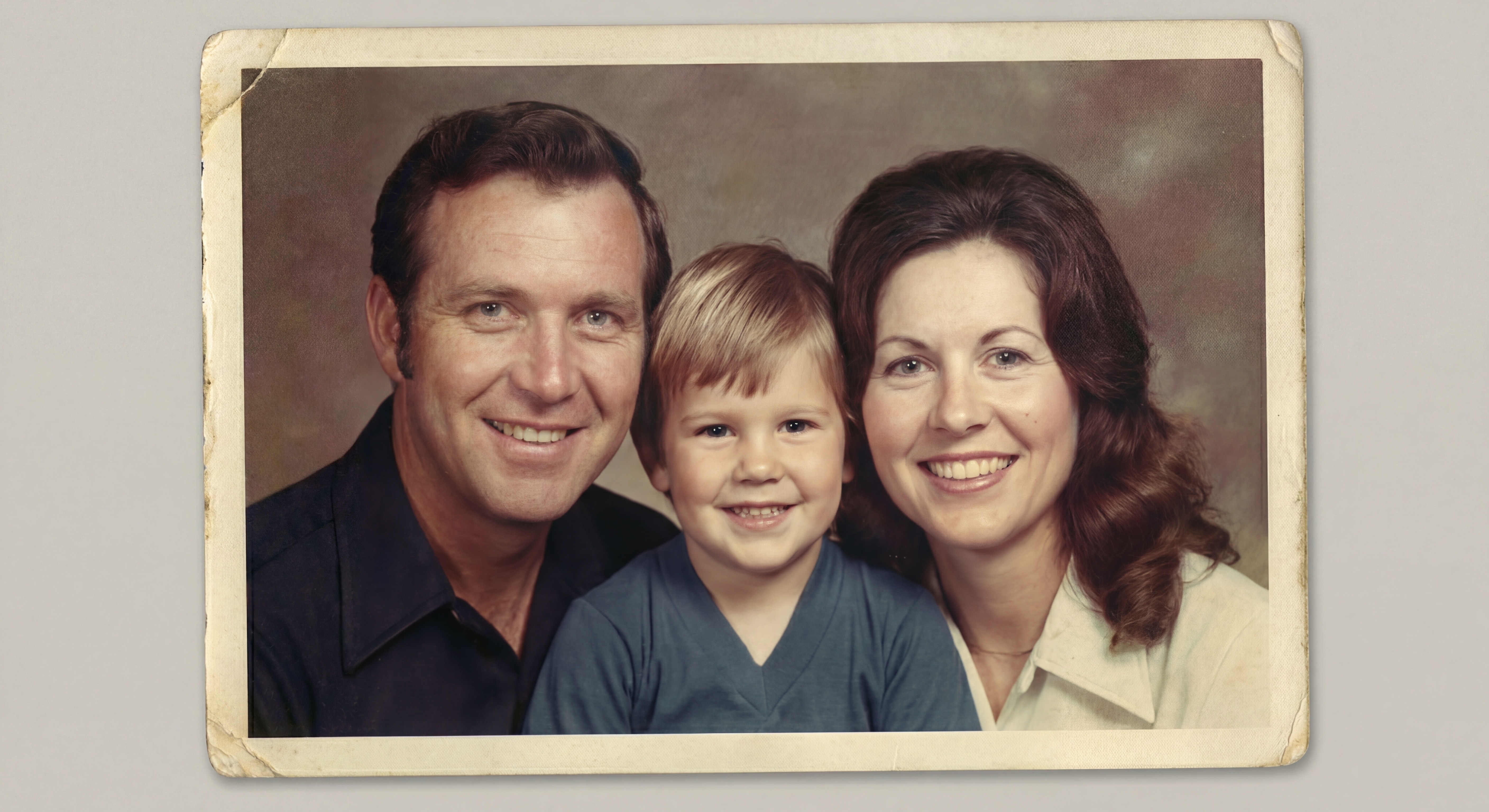
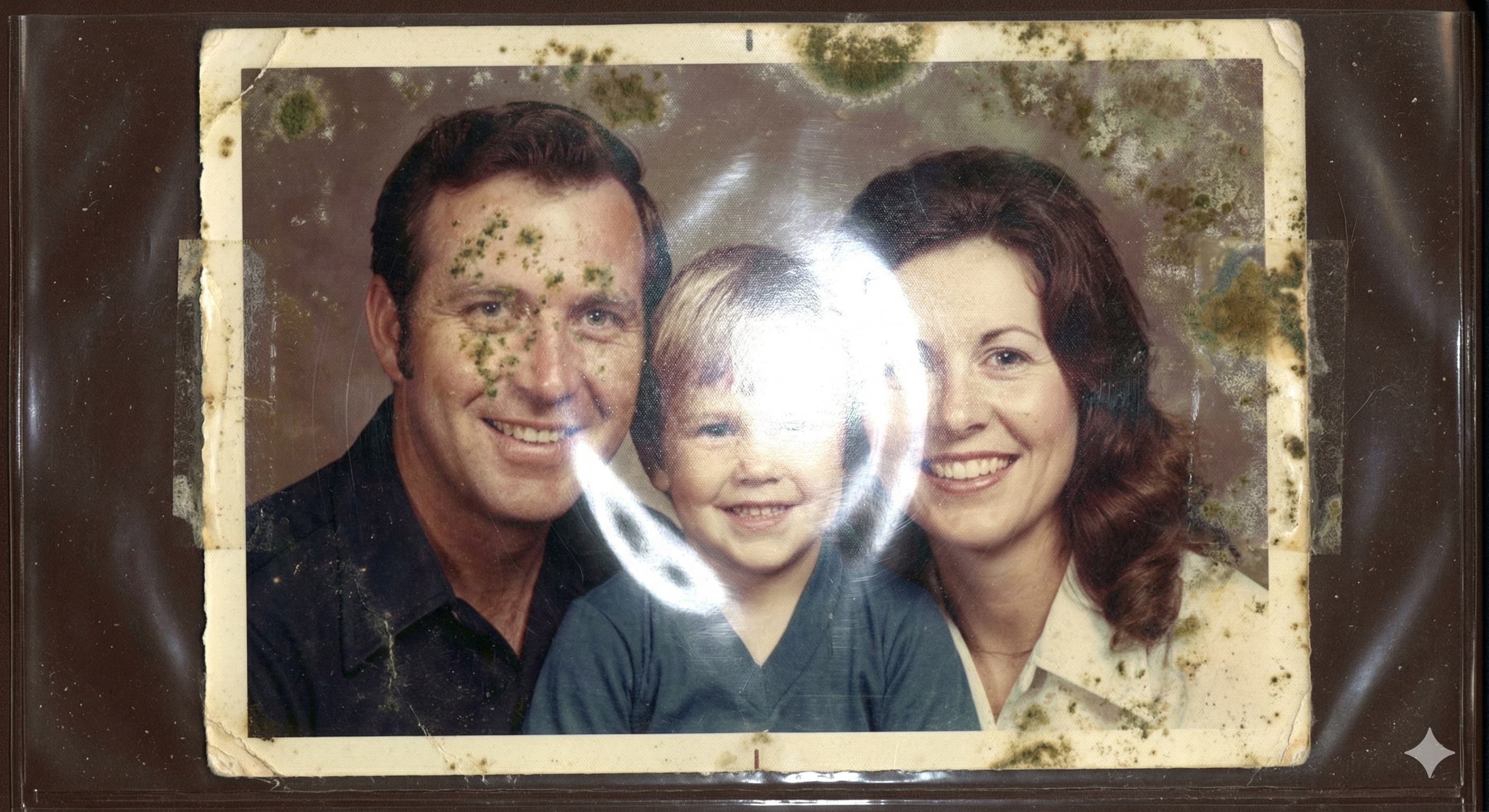
How Feo Enhance works
From frustration to confidence in three simple moves.
-
01
Start in seconds
Drop a photo from desktop or mobile and move forward instantly with JPG, PNG, or WebP.
-
02
Restore natural clarity
Sharpens details, improves lighting, and reduces noise without making your image look artificial.
-
03
Compare and keep your favorite
Use the before/after slider, feel the upgrade, and download the version you are proud to share.
Coming soon
The next features built for creators, teams, and high-volume workflows.
-
Google Drive integration
Import and export photos directly from Drive with fewer manual steps.
Coming soon
-
Bulk image enhancement
Enhance batches at once to save hours when working with galleries and campaigns.
Coming soon
-
API
Integrate enhancement directly into your product and automate your image pipeline.
Coming soon
Log in or create an account to suggest a feature.
Frequently asked questions
- Will my photos still look natural?
- Yes. Feo Enhance is tuned to improve clarity, lighting, and detail while preserving the original character of your photo.
- How quickly do I get my enhanced image?
- Most enhancements finish in minutes. Timing depends on the original image quality and current processing demand.
- What formats can I upload?
- You can upload JPG, PNG, and WebP files from both desktop and mobile devices.
- Can I try before I fully commit?
- Yes. You get one free enhancement to try the quality before you commit.
- Is my data handled securely?
- Yes. Access controls protect your media and account data. Full details are available in our Privacy Policy and Terms.